
by Mark May | Aug 9, 2026 | How to
In today’s digital world, signing documents online has become a common requirement for individuals and businesses. Instead of printing papers, signing manually, scanning documents, and sending them back, users can create a digital version of their signature and apply...

by Mark May | Aug 9, 2026 | How to
Electronic signatures have transformed the way people approve and manage documents. Instead of printing paperwork, signing with a pen, scanning files, and sending them back, users can now complete the entire signing process digitally within minutes. Many people search...

by Mark May | Aug 9, 2026 | How to
As businesses move from paper-based processes to digital workflows, secure document verification has become essential. Digital signatures help verify identities, protect documents from changes, and create trusted online agreements. Many people ask, How does digital...

by Mark May | Aug 9, 2026 | How to
Electronic signatures have moved far beyond a convenient way to sign a PDF. For many companies, an e-signature platform now sits inside sales, HR, finance, procurement, legal, and customer onboarding workflows. It can influence how quickly contracts move, how easily...
by Mark May | Aug 9, 2026 | How to
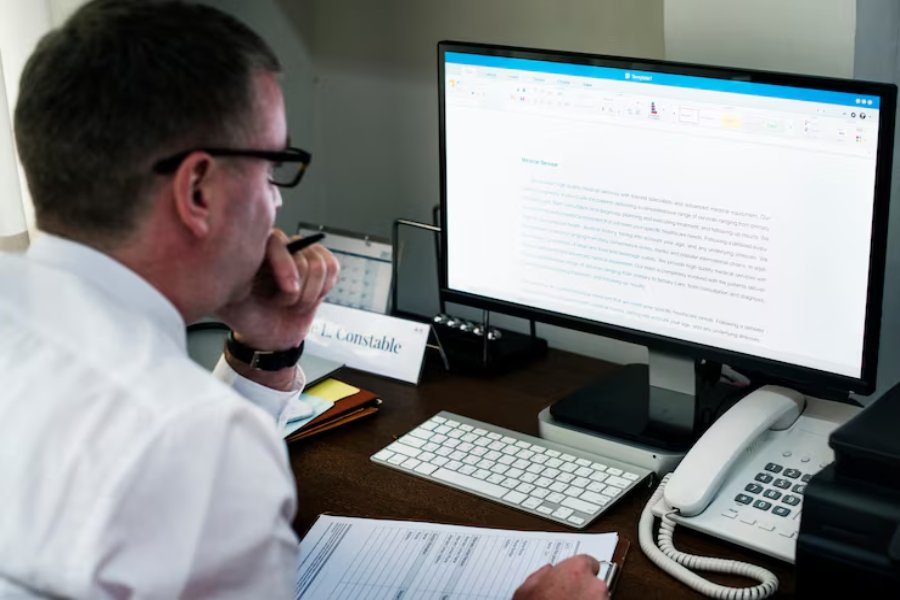
Google Docs is widely used for drafting agreements, proposals, approval forms, service documents, and other business files. When a document reaches the approval stage, however, teams often need more than a typed name at the bottom of the page. They may need a clear...
by Mark May | Aug 9, 2026 | How to
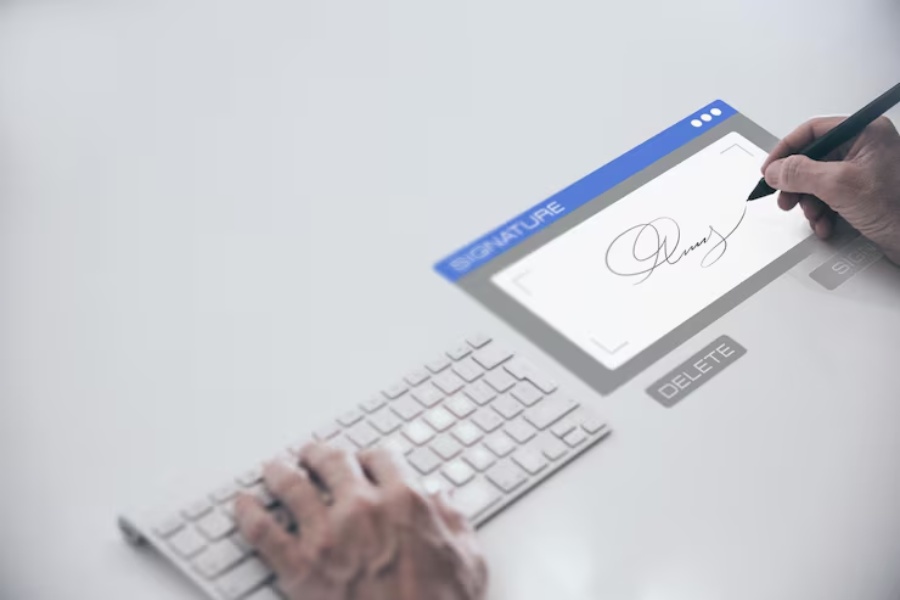
Signing a document on a MacBook does not usually require printing a page, signing it with a pen, and scanning it again. Apple’s Preview app includes built-in Markup tools that let you create a signature and place it directly on a PDF. Apple currently supports...
